
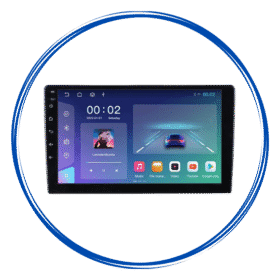
 9/10″ Android Stereo with Frame
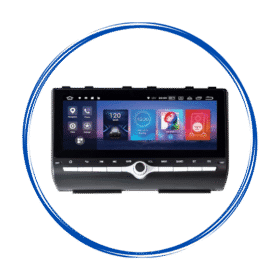 Car Specific OEM Type Android Stereos
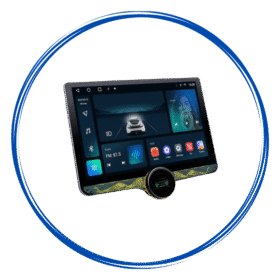 Diamond 2K Android Stereos
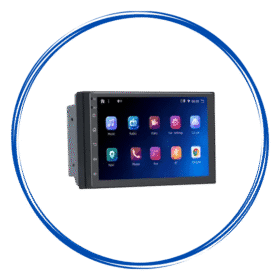 7″ Inch Android Stereos
 Amplifiers
 Speakers
 Damping Sheets
 Subwoofer & Basstube
 Canbus & Harness
 Camera Activator
 Auto Window Closer
 Oem Usb Activator
 Oem Mic Activator
 Power Coupler
 Radio Antena Cable
 Reverse Cameras
 Dash Camera
 360 Cameras
 Fog Lamp
 Car Ambient Light
 Stereo Frames
 Projector Foglamp Brackets
 Car Charger
 Car Mobile Holder
 Tyre Inflator
 Car Screen Guard
 Key Covers
Car Android Stereos
How Car Android Stereos Support Hands-Free Driving and Connectivity?
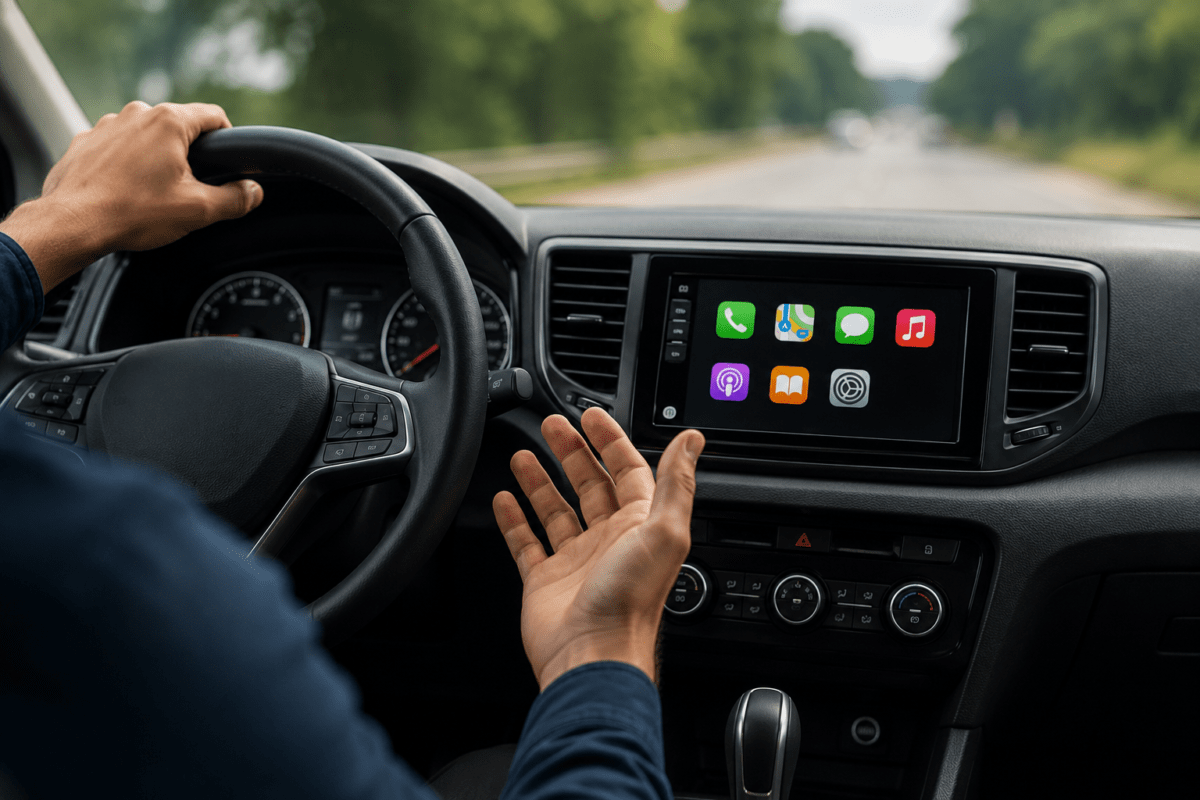
Modern driving is no longer limited to listening to the radio or playing music from a USB drive. Today, drivers expect their car infotainment system to provide navigation, communication, entertainment, and smartphone connectivity while keeping distractions to a minimum. This is where car android stereos have become increasingly useful.
With features such as Bluetooth, hands-free calling, voice commands, Android Auto, Apple CarPlay, GPS navigation, and steering wheel controls, an android stereo can bring many smartphone functions directly to the vehicle’s dashboard.
But how exactly do these systems support hands-free driving and connectivity? Let’s explore the key features.
What is a Car Android Stereo?
A car Android stereo is an in-dash infotainment system that uses the Android operating system or Android-based software. Depending on the model, it can provide access to navigation, music, communication apps, Bluetooth connectivity, smartphone integration, and other functions.
Unlike traditional car stereos, Android-based systems often provide a touchscreen interface similar to that of a smartphone or tablet. This allows drivers to access several functions from one central display.
However, having more features does not automatically mean safer driving. The real benefit comes from using these features in ways that reduce the need to handle a smartphone while driving.
1. Hands-Free Bluetooth Calling
One of the most useful connectivity features in an Android car stereo is Bluetooth.
After pairing a compatible smartphone with the stereo, drivers can often make and receive calls through the vehicle’s audio system. The stereo’s microphone can pick up the driver’s voice, while the car speakers provide the audio.
This means drivers do not necessarily need to hold their phone while talking.
Common Bluetooth calling functions include:
- Answering incoming calls from the touchscreen
- Ending calls through the stereo
- Accessing supported contacts
- Making calls using stored contacts
- Streaming audio wirelessly
- Using the vehicle’s microphone for conversations
Bluetooth compatibility and available functions can vary between stereo models and smartphones, so checking compatibility is important.
2. Voice Commands Can Reduce Screen Interaction
Voice control is another important feature for hands-free connectivity.
Instead of manually typing a destination, searching through contacts, or selecting certain functions on a touchscreen, compatible systems can allow users to perform some tasks using voice commands.
For example, a driver may be able to use voice assistance to:
- Request navigation directions
- Call a contact
- Play music
- Send or dictate a message
- Ask for information
- Control compatible applications
Voice functionality depends on the Android stereo, connected smartphone, software, and available voice assistant.
The main advantage is that voice interaction can reduce the amount of time a driver needs to look at or touch the screen.
3. Android Auto Brings Smartphone Features to the Dashboard
Many modern Android stereos support Android Auto, Google’s smartphone integration platform.
Android Auto is designed to provide selected smartphone functions through a compatible car display. Depending on the phone, vehicle stereo, and software version, drivers can access navigation, calls, messages, music, and other compatible applications.
Instead of constantly reaching for a phone, the driver can interact with supported features through the vehicle’s display or voice commands.
This can make common tasks more convenient while driving.
4. Apple CarPlay Provides Connectivity for iPhone Users
Android stereos are not necessarily limited to Android smartphones.
Many models also support Apple CarPlay, which allows compatible iPhones to connect to the infotainment system.
With CarPlay, users can access supported navigation, music, calls, messages, and other compatible applications through the car’s display.
Depending on the stereo, the connection may be wired or wireless.
This makes an Android-based stereo potentially useful for households where different drivers use different smartphone platforms.
Also Read: Top Features That Make a Car Android Stereo Worth Buying
5. GPS Navigation Reduces the Need to Handle a Phone
Navigation is another major advantage of connected car infotainment systems.
Instead of mounting a smartphone separately and looking between the phone and road, drivers can use the stereo’s larger dashboard display for supported navigation services.
Depending on the system, navigation may use:
- Built-in GPS hardware
- Online navigation applications
- Offline map data
- Smartphone-based navigation through Android Auto or CarPlay
A larger screen can make maps and directions easier to view compared with a small smartphone display.
Drivers should still set their destination before starting their journey whenever possible.
6. Music and Audio Streaming Without Cables
Hands-free driving is not only about phone calls and navigation. Wireless audio connectivity can also make everyday driving more convenient.
Bluetooth and smartphone integration can allow drivers to stream music, podcasts, audiobooks, and other audio content through the vehicle’s speakers.
Instead of connecting and disconnecting cables every time, a paired smartphone can connect wirelessly when supported by the stereo.
Some systems may also support USB connectivity, Wi-Fi, or other wireless technologies.
7. Steering Wheel Controls Improve Convenience
Some car Android stereos can integrate with existing steering wheel controls.
Depending on the vehicle and installation, buttons on the steering wheel may allow the driver to perform functions such as:
- Adjusting volume
- Changing tracks
- Answering calls
- Ending calls
- Switching audio sources
This means drivers may not need to reach toward the center touchscreen for basic controls.
Compatibility depends heavily on the vehicle, stereo, wiring, and any required interface or adapter.
8. Larger Touchscreens Make Information Easier to Access
Car Android stereos commonly feature larger touchscreens than smartphones.
A larger display can provide more space for navigation maps, music information, phone contacts, and other supported functions.
However, touchscreen size alone does not make a system safer. Drivers should avoid interacting with the display for extended periods while the vehicle is moving.
The safest approach is to configure navigation, music, and other settings before starting the journey or use available voice and steering wheel controls when appropriate.
9. Reverse Camera Integration Adds Another Layer of Convenience
Many Android car stereos can connect to reverse cameras.
When the vehicle is shifted into reverse, the stereo can display the camera feed on the dashboard screen if the system and vehicle are correctly installed.
This can help the driver see areas behind the vehicle that may not be easily visible through mirrors alone.
A reverse camera should be considered a driver-assistance feature rather than a replacement for checking mirrors and surroundings.
10. Internet Connectivity Expands Functionality
Some Android stereos can connect to the internet through Wi-Fi, a smartphone hotspot, or supported mobile connectivity.
Internet access can enable features such as:
- Online navigation
- Music streaming
- Weather information
- Application updates
- Online searches
- Cloud-based services
However, internet-dependent features may require a compatible data connection, and using online services while driving should always be done through safe, hands-free methods.
11. App Support Depends on the Stereo
Because many Android stereos use Android-based software, some models support applications directly through their operating system.
This can provide access to navigation, music, communication, and other applications.
However, not every Android stereo offers the same app compatibility. Processor performance, Android version, RAM, storage, Google services, and manufacturer software can all affect what applications are available and how smoothly they operate.
Therefore, specifications should be evaluated based on actual requirements rather than simply choosing a stereo with the largest number of advertised features.
12. Why Hands-Free Connectivity Matters
Smartphones provide enormous convenience, but using them directly while driving can create significant distraction.
A properly configured car Android stereo can place many commonly used functions within the vehicle’s infotainment system.
For example, a driver may be able to:
Receive a call → Answer through the stereo → Speak through the microphone → Listen through the car speakers
Similarly:
Choose navigation → Set the destination → Follow dashboard directions
The objective is not to encourage drivers to perform more tasks while driving. Instead, integrated connectivity can help reduce the need to physically handle a smartphone.
What Should You Check Before Buying a Car Android Stereo?
If hands-free connectivity is your priority, look beyond screen size and Android version. Consider the following features:
Bluetooth Compatibility
Check whether the stereo supports reliable hands-free calling and wireless audio with your smartphone.
Android Auto and Apple CarPlay
If you regularly use smartphone navigation and communication features, check whether the stereo supports the platform used by your phone.
Microphone Quality
A good microphone can make a significant difference during hands-free calls and voice commands.
Steering Wheel Control Support
If your vehicle already has steering wheel buttons, verify that the new stereo can work with them.
GPS Capability
Check whether navigation relies on built-in GPS, smartphone connectivity, internet access, or a combination of these.
Reverse Camera Support
If you want a backup camera, confirm that the stereo supports your existing or planned camera setup.
Vehicle Compatibility
Dashboard size, wiring, connectors, steering controls, factory amplifiers, and other vehicle-specific features should be checked before installation.
Conclusion
Car Android stereos have evolved from simple music systems into connected infotainment platforms. Features such as Bluetooth hands-free calling, Android Auto, Apple CarPlay, voice commands, GPS navigation, steering wheel controls, and reverse camera integration can make everyday driving more connected and convenient.
The biggest advantage is not simply having more technology in the dashboard. It is being able to use essential communication and navigation functions while minimizing unnecessary interaction with a handheld smartphone.
When choosing an Android stereo, focus on compatibility, connectivity, microphone quality, smartphone integration, navigation support, and ease of use rather than choosing a system based only on specifications.
Most importantly, technology should support attentive driving – not compete with it. Drivers should always follow local traffic laws and avoid interacting with infotainment systems when doing so would distract them from the road.

 Dashboard
 My Orders
 Edit Address
 Account details
 Wishlist
 Car Audio
 Cables & Harness
 Car Security
 Car Lighting
 Frames & Brackets
 Car Utility