
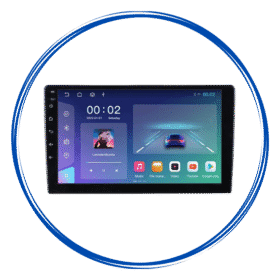
 9/10″ Android Stereo with Frame
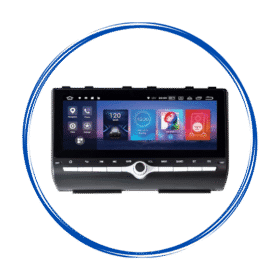 Car Specific OEM Type Android Stereos
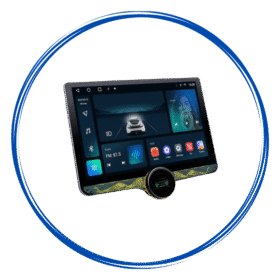 Diamond 2K Android Stereos
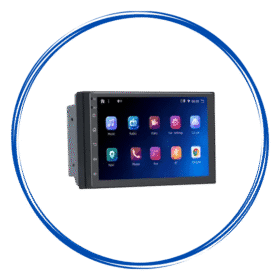 7″ Inch Android Stereos
 Amplifiers
 Speakers
 Damping Sheets
 Subwoofer & Basstube
 Canbus & Harness
 Camera Activator
 Auto Window Closer
 Oem Usb Activator
 Oem Mic Activator
 Power Coupler
 Radio Antena Cable
 Reverse Cameras
 Dash Camera
 360 Cameras
 Fog Lamp
 Car Ambient Light
 Stereo Frames
 Projector Foglamp Brackets
 Car Charger
 Car Mobile Holder
 Tyre Inflator
 Car Screen Guard
 Key Covers
Car Android Stereos
How to Choose a Car Android Stereo for Long Road Trips?
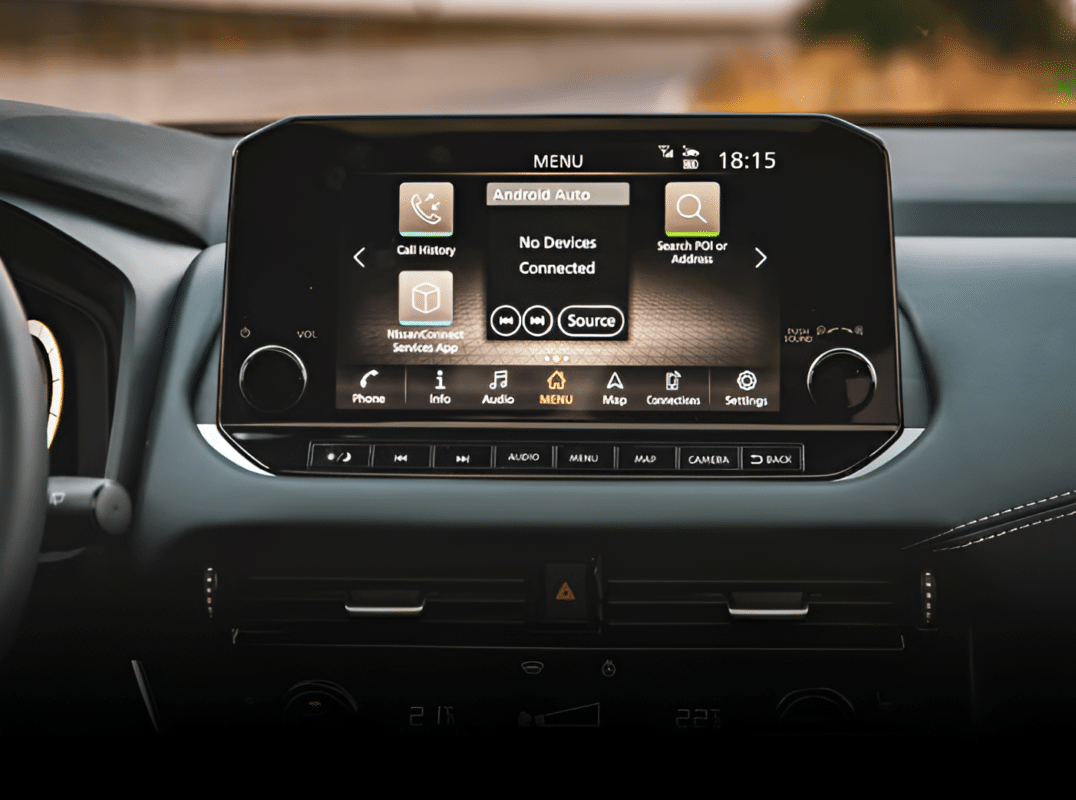
Long road trips are much more enjoyable when you have reliable navigation, quality entertainment, hands-free communication, and easy access to useful apps. A car android stereo can bring all these features together in one convenient system.
However, choosing the right Android stereo for your vehicle can be challenging because there are many options with different screen sizes, RAM, storage, connectivity features, audio capabilities, and compatibility requirements.
If you are planning to upgrade your car before your next long journey, here are the key factors to consider when choosing a car Android stereo.
1. Choose the Right Screen Size
The display is one of the most important features of an Android car stereo, particularly when you regularly use navigation.
A larger screen can make maps easier to read and provide a more comfortable interface for controlling music, calls, and other functions. However, the screen should also fit properly into your car’s dashboard without blocking important controls or reducing visibility.
Before purchasing, check your vehicle’s dashboard dimensions and the stereo’s installation specifications.
2. Look for Reliable GPS Navigation
Navigation is essential during long-distance travel. A good car Android stereo should provide dependable GPS functionality and support popular navigation applications.
Features worth considering include:
- Built-in GPS support
- Fast location detection
- Access to navigation apps
- Clear map visibility
- Support for offline maps where available
Offline navigation can be particularly useful when travelling through areas with weak mobile network coverage.
3. Check Android Auto and Apple CarPlay Support
Smartphone integration can make a significant difference on long journeys. Look for a stereo that supports Android Auto, Apple CarPlay, or both, depending on the smartphones used by you and your passengers.
These systems allow compatible phones to provide access to navigation, music, calls, messages, and other supported features through the car’s display.
Wireless connectivity can be especially convenient because it reduces the need for cables every time you enter the vehicle.
4. Pay Attention to RAM and Storage
The performance of an Android stereo depends partly on its hardware specifications.
RAM helps the system handle applications and multitasking, while internal storage provides space for apps, media, and system data.
For regular road trips, look for a configuration that offers enough RAM for smooth everyday use and sufficient storage for your requirements. Higher specifications can be beneficial if you expect to use multiple applications or demanding features.
However, more RAM and storage do not automatically mean a better stereo. The processor, software optimization, display, and overall hardware quality also matter.
5. Consider Audio Quality
Entertainment is an important part of a long road trip, so sound quality should not be overlooked.
When comparing car Android stereos, look for features such as:
- Digital Signal Processing (DSP)
- Equalizer controls
- Multiple audio settings
- High-quality audio output
- Compatibility with your existing speakers
- Support for external amplifiers or subwoofers
A stereo with good audio processing can help you achieve clearer vocals, better bass, and a more balanced listening experience.
Also Read: How to Choose a Car Android Stereo Based on Your Daily Driving Needs?
6. Make Sure Bluetooth Connectivity Is Reliable
Bluetooth is useful for hands-free calling and wireless music streaming. During long drives, reliable Bluetooth connectivity allows you to keep your phone connected without repeatedly handling it.
Check whether the stereo supports stable Bluetooth connections and provides a built-in microphone or compatibility with an external microphone for clearer calls.
Hands-free communication is not only convenient but also helps reduce unnecessary phone handling while driving.
7. Check USB and Other Connectivity Options
Different drivers have different connectivity needs. Before buying a stereo, consider which ports and connections you regularly use.
Useful options can include:
- USB ports
- Bluetooth
- Wi-Fi
- AUX input
- GPS
- Backup camera connectivity
- MicroSD support, depending on the model
Having multiple connectivity options gives you greater flexibility during longer journeys.
8. Look for Reverse Camera Support
A reverse camera can be particularly useful when stopping at unfamiliar hotels, parking areas, restaurants, or roadside locations during a road trip.
Many modern Android stereos can display the camera feed directly on the touchscreen. Some systems may also support additional camera features.
If your vehicle already has a reverse camera, confirm that the new stereo is compatible with it before purchasing.
9. Choose a Bright and Responsive Display
A touchscreen that looks good indoors may not perform equally well under direct sunlight.
For road trips, consider a display that offers good brightness, viewing angles, and touch responsiveness. A clear screen makes navigation and controls easier to see during different driving conditions.
A responsive touchscreen is also important because slow or inaccurate controls can become frustrating during a long journey.
10. Check Your Car’s Compatibility
Not every Android stereo is suitable for every vehicle.
Before purchasing, check:
- Your car’s make and model
- Manufacturing year
- Dashboard/stereo size
- Wiring requirements
- Steering wheel control compatibility
- Factory amplifier compatibility
- Reverse camera compatibility
- Existing vehicle controls
Some vehicles may also require additional adapters or interfaces for certain factory features to continue working after installation.
11. Consider Steering Wheel Controls
Steering wheel controls allow you to adjust volume, change tracks, answer calls, or perform other functions without reaching toward the dashboard.
If your car already has steering wheel controls, make sure the Android stereo supports them or can be connected through a compatible interface.
This can make everyday operation more convenient, particularly when driving long distances.
12. Don’t Ignore Software Stability
Hardware specifications are only part of the equation. The software experience is equally important.
A good Android stereo should have a responsive interface, stable connectivity, and software that does not frequently freeze or restart.
Before buying, research the model, check user feedback, and understand whether software updates and technical support are available.
13. Consider Heat Management
Car interiors can become extremely hot, especially when the vehicle is parked in direct sunlight. Since an Android stereo contains electronic components, proper heat management is important.
Look for a unit designed with appropriate ventilation and thermal management. This can help maintain stable performance during extended use.
14. Think About Your Actual Road-Trip Needs
The best car Android stereo is not necessarily the one with the highest specifications. Instead, choose one that matches how you actually use your vehicle.
For example, if you frequently take long trips, prioritize:
- Reliable navigation
- Smartphone integration
- Good audio quality
- Stable Bluetooth
- A responsive display
- Reverse camera support
- Sufficient RAM and storage
- Easy-to-use controls
If passengers regularly travel with you, entertainment and connectivity features may also become more important.
15. Don’t Choose Based on Price Alone
Price is an important consideration, but choosing the cheapest option may not always provide the best value over time.
A very inexpensive stereo may compromise on processing performance, screen quality, software stability, connectivity, or after-sales support.
Instead of focusing only on the initial price, compare the specifications, compatibility, warranty, installation requirements, and overall reliability.
Conclusion
A car Android stereo for long road trips should do more than play music. It should provide convenient navigation, reliable smartphone connectivity, quality audio, hands-free communication, and useful vehicle features in one easy-to-use system.
Before making a purchase, check compatibility with your car, evaluate the hardware and connectivity options, and prioritize the features you will actually use during your journeys.
With the right Android stereo, your car can become a more connected, comfortable, and enjoyable space for everyday driving as well as long-distance adventures.

 Dashboard
 My Orders
 Edit Address
 Account details
 Wishlist
 Car Audio
 Cables & Harness
 Car Security
 Car Lighting
 Frames & Brackets
 Car Utility