
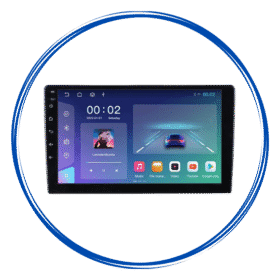
 9/10″ Android Stereo with Frame
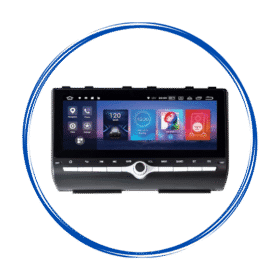 Car Specific OEM Type Android Stereos
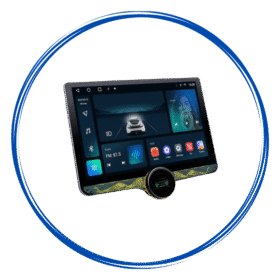 Diamond 2K Android Stereos
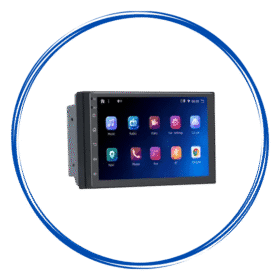 7″ Inch Android Stereos
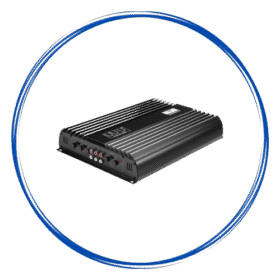 Amplifiers
 Speakers
 Damping Sheets
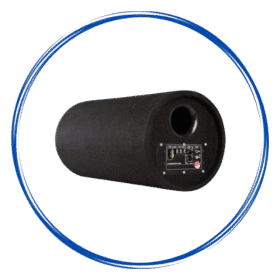 Subwoofer & Basstube
 Canbus & Harness
 Camera Activator
 Auto Window Closer
 Oem Usb Activator
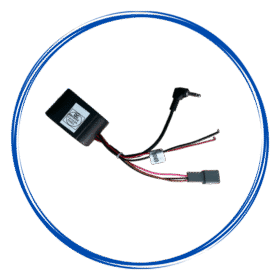 Oem Mic Activator
 Power Coupler
 Radio Antena Cable
 Reverse Cameras
 Dash Camera
 360 Cameras
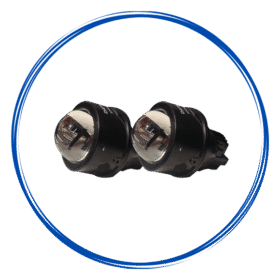 Fog Lamp
 Car Ambient Light
 Stereo Frames
 Projector Foglamp Brackets
 Car Charger
 Car Mobile Holder
 Tyre Inflator
 Car Screen Guard
 Key Covers
Car Android Stereos
How to Choose a Car Android Stereo Based on Your Daily Driving Needs?
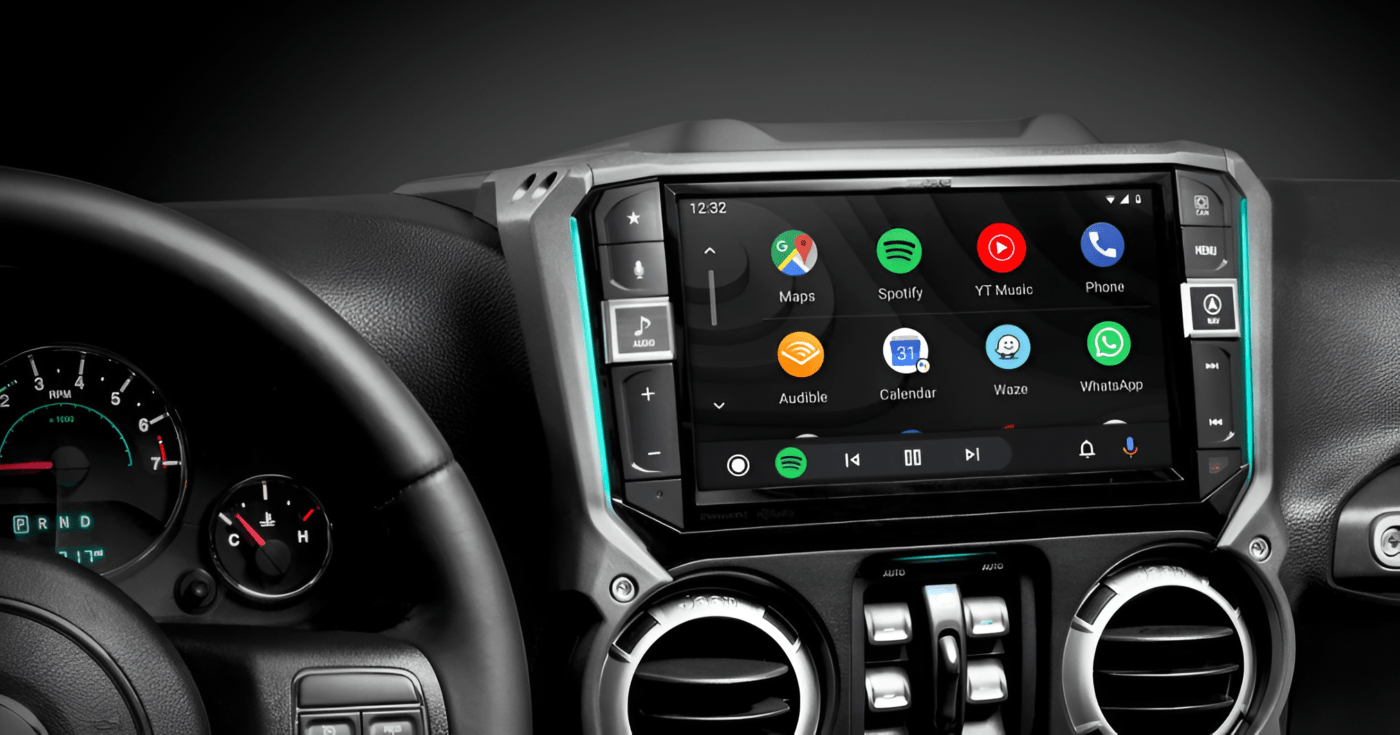
Choosing a car android stereo is not simply about selecting the biggest screen or the highest RAM. The right system depends on how you use your vehicle every day. Someone who spends hours commuting may prioritize navigation and hands-free calling, while a family driver may care more about entertainment and reverse-camera support.
With many models available with different screen sizes, processors, connectivity options, operating systems, and audio features, understanding your daily driving requirements can make the buying decision much easier.
Here is how to choose a car Android stereo based on your everyday needs.
1. Start by Understanding Your Daily Driving Habits
Before comparing specifications, think about how you normally use your car.
Ask yourself:
- How many hours do you spend driving each day?
- Do you regularly travel through unfamiliar areas?
- Do you make calls while driving?
- Do you listen to music or podcasts?
- Do you frequently use navigation?
- Do you travel with children or passengers?
- Do you use Android or iPhone?
- Does your car already have a reverse camera or steering controls?
Your answers can help determine which features are genuinely useful to you.
2. Choose a Stereo Based on Your Driving Distance
Your daily driving distance can influence which features matter most.
Short Daily Commutes
If you mainly drive short distances to work, school, or nearby locations, you may not need a highly advanced system.
A reliable touchscreen with Bluetooth, hands-free calling, music streaming, and smartphone connectivity may be sufficient.
For short trips, ease of use and quick connectivity can be more important than having extensive built-in applications.
Long Daily Commutes
If you spend an hour or more in your car every day, additional features can become more valuable.
Consider a system with:
- A responsive touchscreen
- Good audio processing
- GPS navigation
- Bluetooth calling
- Android Auto or Apple CarPlay
- Voice-control support
- Adequate storage
- Reliable smartphone connectivity
A comfortable and responsive infotainment system can make frequent driving more convenient.
3. Consider How Important Navigation Is to You
Navigation is one of the most common reasons drivers upgrade their car’s infotainment system.
If you frequently travel between cities or drive in unfamiliar areas, look for a stereo with reliable GPS support and compatibility with your preferred navigation services.
A larger dashboard display can make maps and directions easier to view compared with a smartphone.
Depending on the model, navigation may work through built-in GPS, smartphone integration, online applications, or offline maps.
If you regularly drive in areas with poor mobile connectivity, it is worth checking whether the system supports offline navigation options.
4. Think About Your Smartphone
Your smartphone plays an important role in choosing an Android stereo.
If you use an Android phone, look for compatibility with Android Auto and other Android-based connectivity features.
If you use an iPhone, Apple CarPlay support may be particularly important.
Some systems support both platforms, making them more flexible for families where different people use different types of smartphones.
Also check whether the stereo supports the connection method you prefer, such as:
- Wired USB connectivity
- Wireless Android Auto
- Wireless Apple CarPlay
- Bluetooth
- Wi-Fi
Not every stereo supports every connectivity option, so always check the specifications before purchasing.
5. Choose Bluetooth Features Based on Your Communication Needs
For drivers who frequently make or receive calls, Bluetooth hands-free calling should be high on the list of priorities.
A suitable stereo should provide reliable phone pairing and clear communication through the vehicle’s speakers and microphone.
If you regularly receive calls while driving, consider features such as:
- Hands-free calling
- Contact synchronization
- Steering wheel call controls
- Voice commands
- Good-quality external or built-in microphone support
The goal is to reduce the need to physically handle your smartphone while driving.
6. Pay Attention to Screen Size
Car Android stereos are available in different screen sizes, and choosing the right size depends partly on your dashboard and how you use the system.
A larger display can be useful for:
- Navigation
- Reverse-camera viewing
- Media controls
- Reading information
- Using compatible applications
However, a larger screen is not automatically better.
The display should fit properly within the vehicle’s dashboard and should be positioned where it can be viewed without creating unnecessary distraction.
Always check your vehicle’s dashboard dimensions and compatibility before choosing a screen size.
7. Consider Audio Quality if Music Is a Priority
If you spend a lot of time listening to music, audio performance should be an important part of your decision.
Look for features such as:
- DSP or digital signal processing
- Equalizer controls
- Multiple audio outputs
- Support for your preferred audio sources
- Compatibility with existing speakers
- Amplifier support, if required
A stereo with advanced audio controls can provide more flexibility for adjusting sound according to your preferences.
However, the final sound quality also depends on the vehicle’s speakers, amplifier, installation, acoustics, and audio source.
8. Check RAM and Storage According to Your Usage
RAM and internal storage are commonly advertised when comparing Android stereos.
RAM can affect how smoothly the system handles applications and multitasking, while storage determines how much data and how many applications can be stored locally.
If you mainly use Bluetooth, radio, and smartphone connectivity, you may not need an extremely high-specification system.
On the other hand, drivers who regularly use multiple applications or want more onboard storage may benefit from a system with higher specifications.
Rather than choosing the largest numbers available, consider what you actually plan to use.
9. Look for Steering Wheel Control Compatibility
If your vehicle already has steering wheel controls, check whether the Android stereo can integrate with them.
Depending on the vehicle and installation, steering wheel controls may allow you to:
- Adjust volume
- Change tracks
- Answer calls
- End calls
- Switch audio sources
Keeping these controls functional can make the upgraded system feel more integrated with the vehicle.
Compatibility can depend on the vehicle’s wiring and electronics, so professional installation or a compatible interface may sometimes be required.
10. Consider Reverse Camera Support
A reverse camera can be particularly useful for drivers who frequently park in crowded areas or drive larger vehicles.
Many Android stereos can display a compatible reverse-camera feed on the main screen when the vehicle is placed in reverse.
If your vehicle already has a factory camera, check whether the new stereo can support it. If you plan to install a new camera, confirm that the stereo accepts the required video input.
Remember that a reverse camera is an additional driver-assistance feature and should not replace checking mirrors and surroundings.
11. Choose Features Based on Your Family’s Needs
If you frequently drive with family members, your requirements may be different from those of a solo commuter.
For example, families may value:
- Large touchscreen displays
- Bluetooth connectivity
- Multiple media options
- Smartphone integration
- Easy music control
- Reverse-camera support
- Reliable navigation
Passengers can also benefit from having convenient access to entertainment and connectivity features.
However, the driver should always prioritize safe driving and avoid interacting with the infotainment system while the vehicle is moving.
12. Consider Your Vehicle’s Compatibility
One of the most important factors is often overlooked: whether the stereo actually fits your vehicle.
Before buying, check:
- Dashboard dimensions
- Stereo mounting size
- Wiring connectors
- Vehicle model and year
- Steering wheel controls
- Factory amplifier compatibility
- Existing reverse camera
- External microphone requirements
- GPS antenna requirements
A stereo may have excellent specifications but still require additional adapters or interfaces to work correctly with a particular vehicle.
13. Think About Your Internet Connectivity
Some Android stereos can connect to the internet through Wi-Fi, smartphone hotspots, or supported mobile connectivity.
This can be useful for drivers who rely on online navigation, music streaming, applications, and other connected services.
However, internet-dependent features may consume mobile data. If you regularly travel long distances, consider how you will provide internet access to the stereo.
For drivers who prefer simplicity, smartphone integration may be more convenient than relying heavily on applications installed directly on the stereo.
14. Don’t Choose a Stereo Only Because of Its Android Version
The Android version can be an important specification, but it should not be the only factor you consider.
A newer Android version does not automatically guarantee better performance.
Other specifications and factors can matter just as much, including:
- Processor performance
- RAM
- Storage
- Display quality
- Bluetooth version
- Wi-Fi capability
- Audio processing
- Software optimization
- Vehicle compatibility
- After-sales support
Look at the complete specification rather than focusing on one number.
15. Think About Installation and After-Sales Support
Installation can affect the performance and reliability of a car Android stereo.
Incorrect wiring can cause problems with power, speakers, steering controls, cameras, or other vehicle functions.
Before purchasing, find out whether the stereo requires vehicle-specific adapters or additional accessories.
It is also useful to consider warranty coverage, software updates, technical support, and availability of replacement parts.
A properly installed system is more likely to deliver reliable performance over time.
Conclusion
The best car Android stereo is not necessarily the one with the most expensive specifications. It is the one that matches the way you actually use your vehicle.
A daily commuter may prioritize navigation and hands-free calling. A music enthusiast may focus on DSP and audio performance. A family driver may want a large display, smartphone connectivity, and reverse-camera support.
Before making a purchase, consider your daily driving distance, smartphone, navigation habits, communication needs, audio preferences, vehicle compatibility, and desired connectivity features.
Most importantly, choose a system that is easy to use and helps keep necessary information and controls accessible without encouraging distracted driving. A well-matched car Android stereo can make everyday journeys more convenient while giving your vehicle a more connected infotainment experience.

 Dashboard
 My Orders
 Edit Address
 Account details
 Wishlist
 Car Audio
 Cables & Harness
 Car Security
 Car Lighting
 Frames & Brackets
 Car Utility